
How To Make Payments Via Supertap
Paying via Supertap is simple, fast and secure. It allows you to link your mobile money to Pesapal Mobile App and tap to make Mpesa payments.
- Download the Pesapal Mobile App
- Once ready to pay, tap your phone at any Pesapal Sabi POS
- You will receive a message that prompts you to confirm the amount of money you are to pay
- In-put your pin to make the payment
- You will receive a message confirming the transaction is successful
This option is currently available to all Visa card-holders in Kenya. 
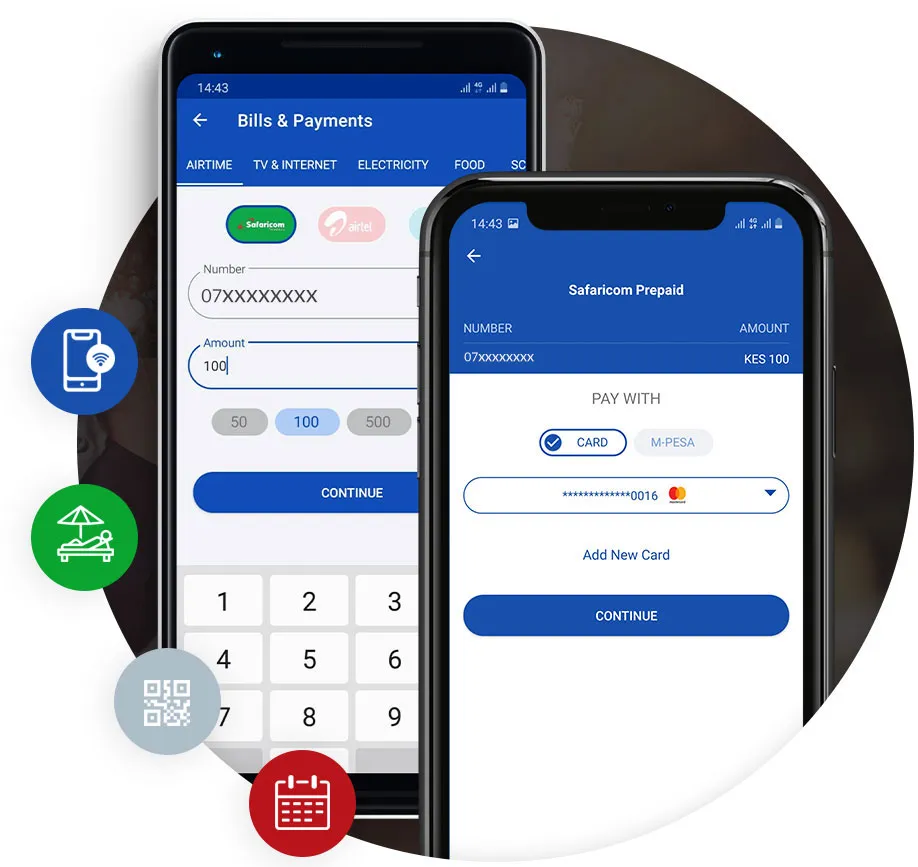
How Supertap Payments Work
1. Get Pesapal Mobile
Go to the Google Playstore and download the Pesapal Mobile app.
2. Link with Mpesa
Register an account and securely link your MPesa number on the app.
3. Pay with Supertap
Pay with Supertap anywhere a Pesapal Smart Terminal is found.
4. Tap and Pay
Tap, confirm amount, insert your PIN to Pay on the app; Tap, Pay, and Go!