

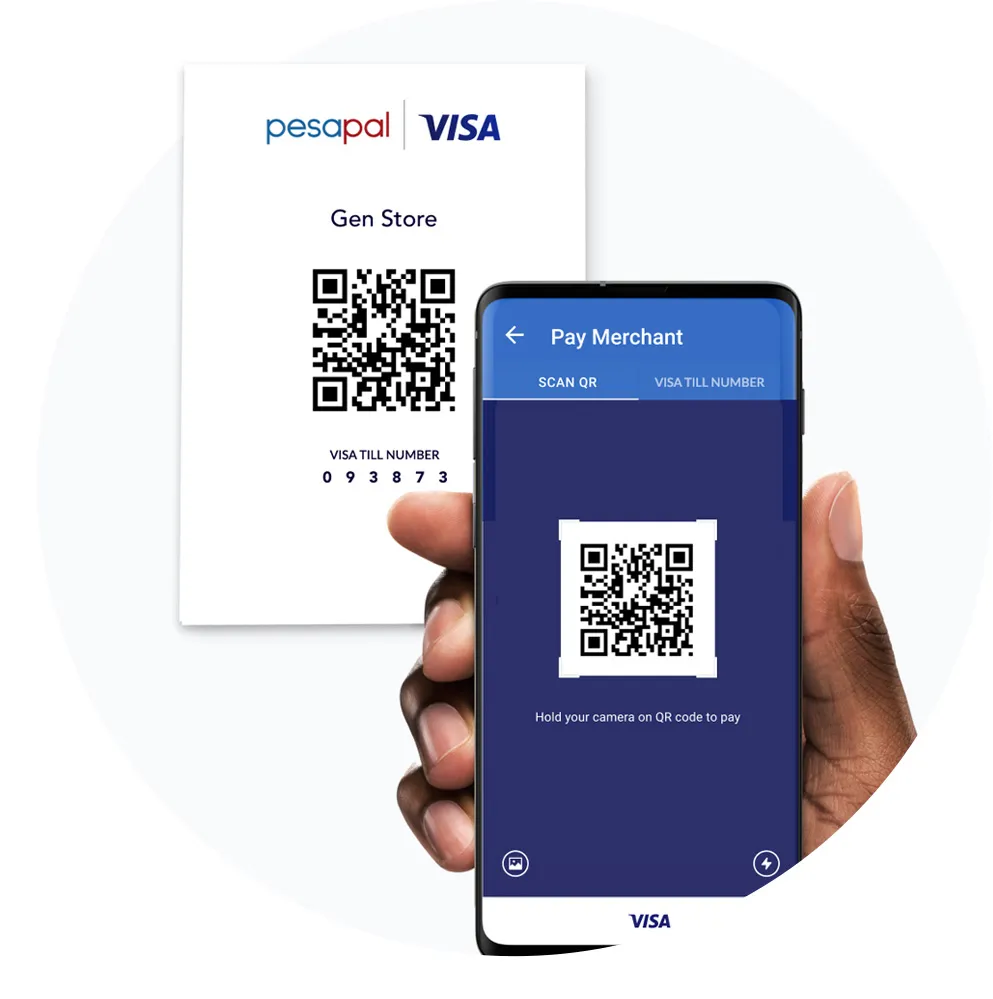
How Scan To Pay Works
1. Get Pesapal Mobile
Go to the Google Playstore and download the Pesapal Mobile app.
2. Link Your Card
Register an account and securely link your MPesa number on the app.
3. Pay with Visa
Pay with Visa QR from multiple websites or at your local store.
4. Scan and Pay
Pay with Visa QR from multiple websites or at your local store.